
Atempo Lina ENAC
Atempo Lina client for ENAC
Table of content
Windows
During installation, you will be redirected to an activation page, please follow the activation instruction otherwise your backups will not work.
Be sure to connect the VPN (only during installation) if you are outside EPFL.
Open this path in File Explorer: \\enacitweb.intranet.epfl.ch\enac-bkp-clients
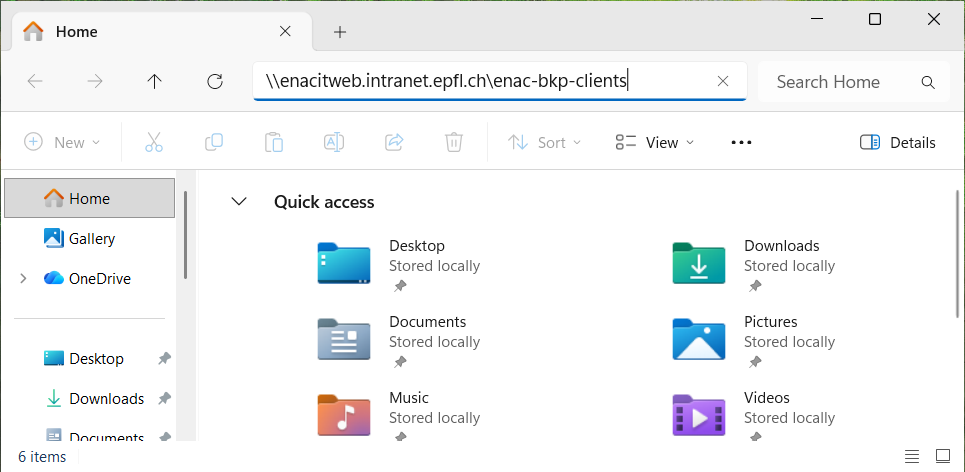
You might need to enter your credentials:

Run the Atempo-Lina-ENAC-Setup-###.exe.
MacOSX
During installation, you will be redirected to an activation page, please follow the activation instruction otherwise your backups will not work.
Be sure to connect the VPN (only during installation) if you are outside EPFL.
Open this path in Finder: smb://enacitweb.intranet.epfl.ch/enac-bkp-clients
- ENAC_Lina_StandAlone_ARM64.pkg.zip: choose this package for recent Mac (after 2020): M1, M2, ...
- ENAC_Lina_StandAlone_x64.pkg.zip: choose this package for older Mac (before 2020): Intel cpu